
Hands-on tutorials for the FOMO+ Web App itself — customizing headers, data fields, and more. Free for all students, just click Sign Me Up! below to enroll.
Course Information
Course Instructor

Free Instant Access
Navigating the FOMO+ Web App
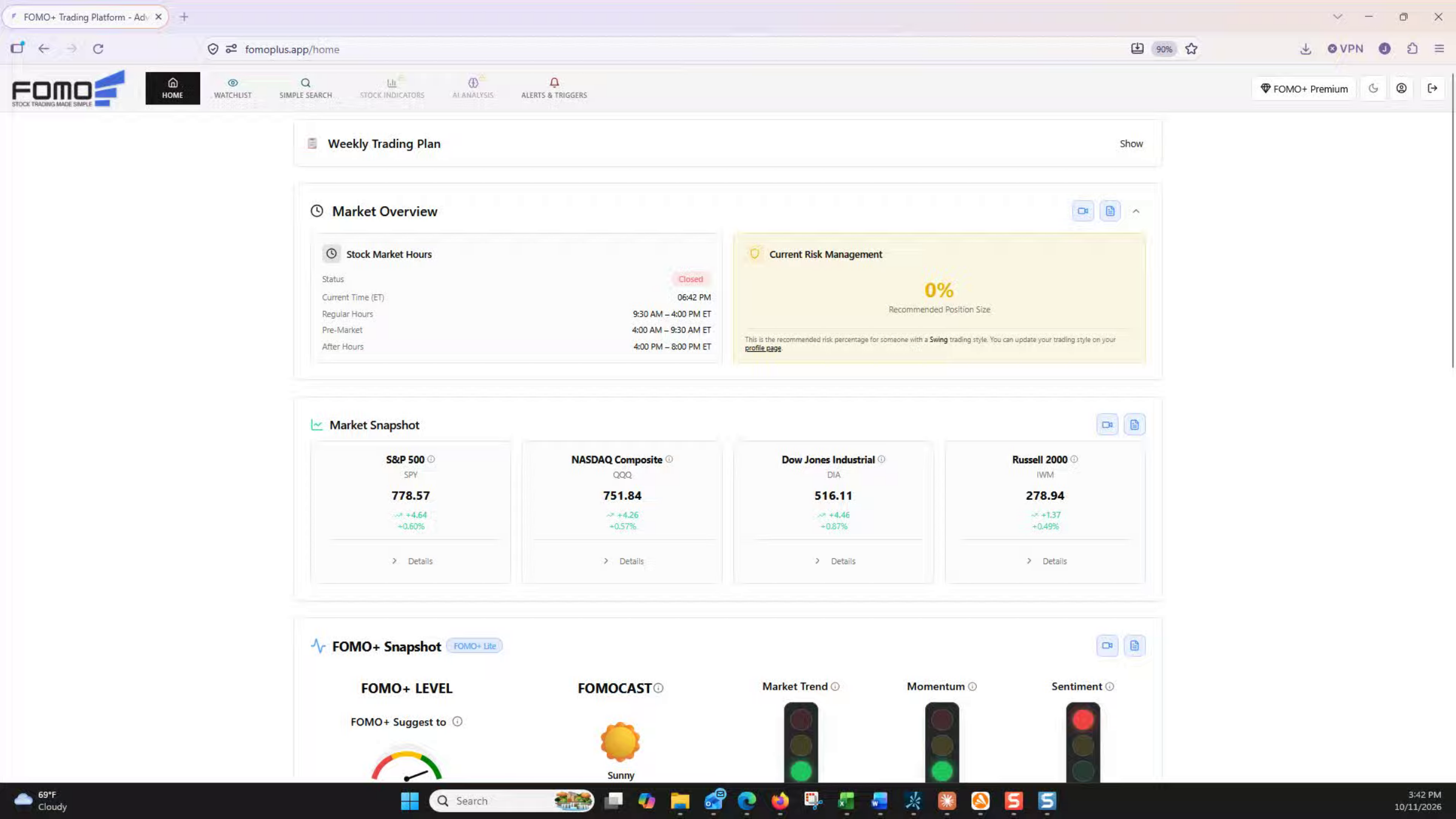
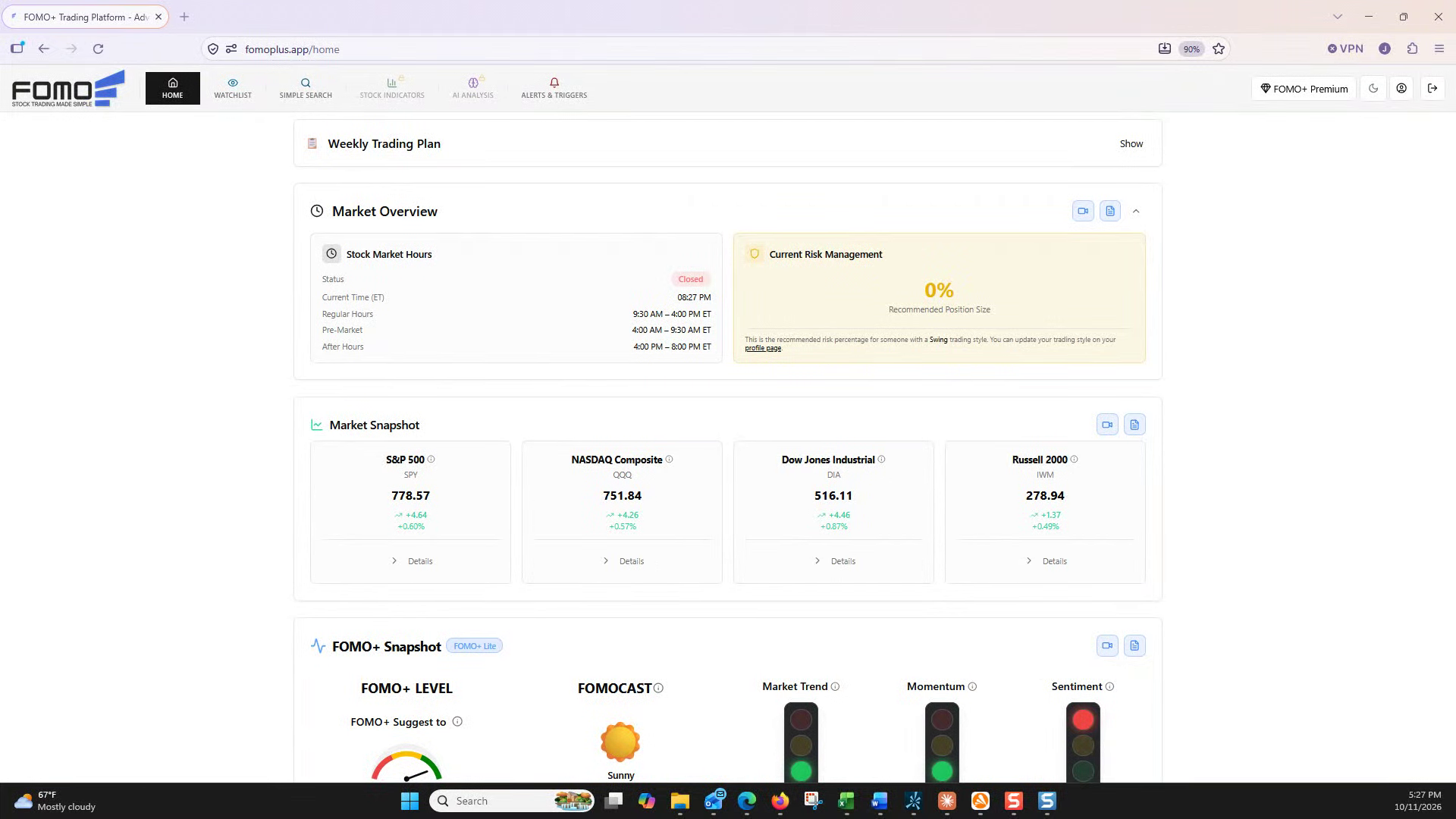
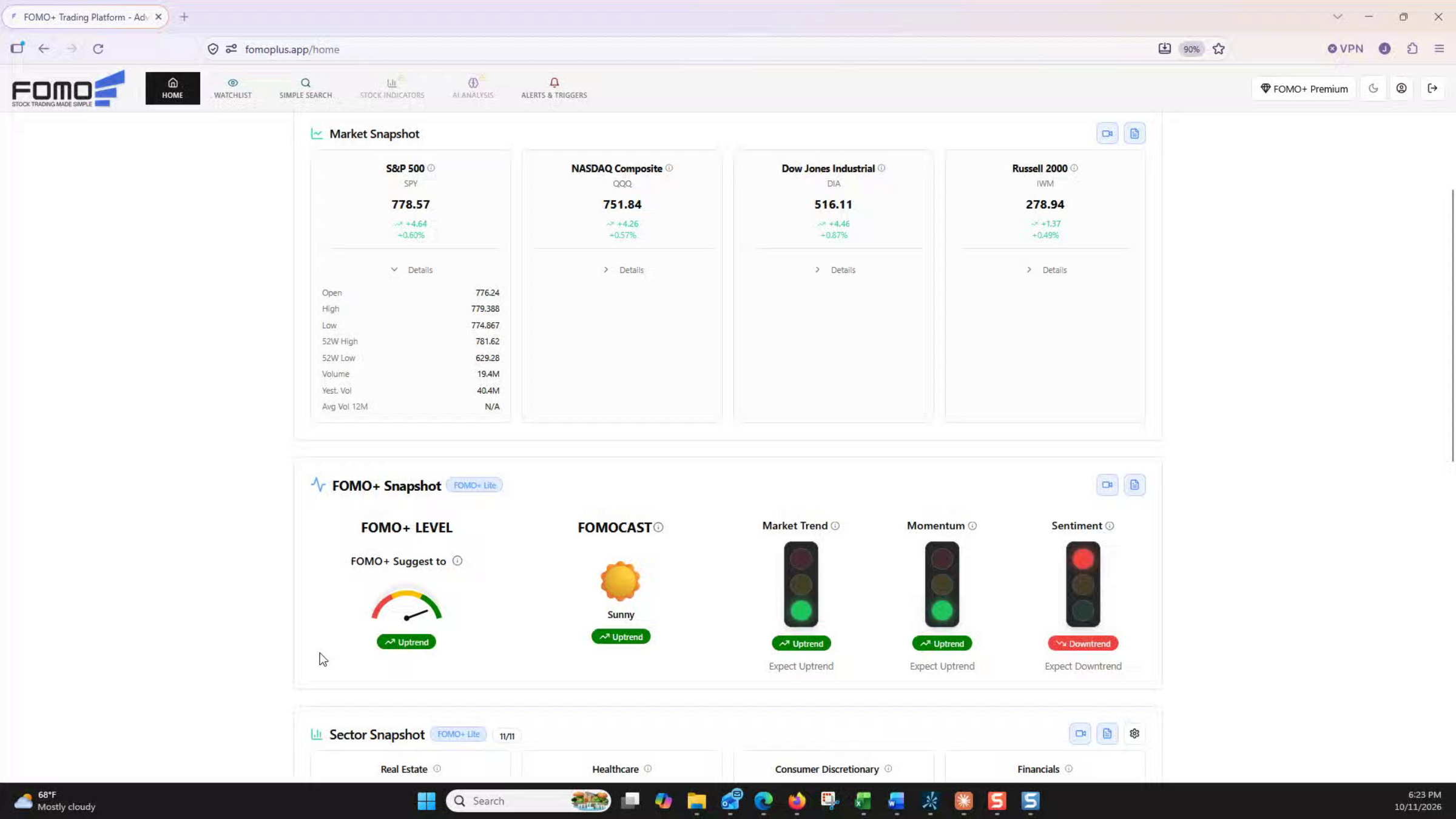
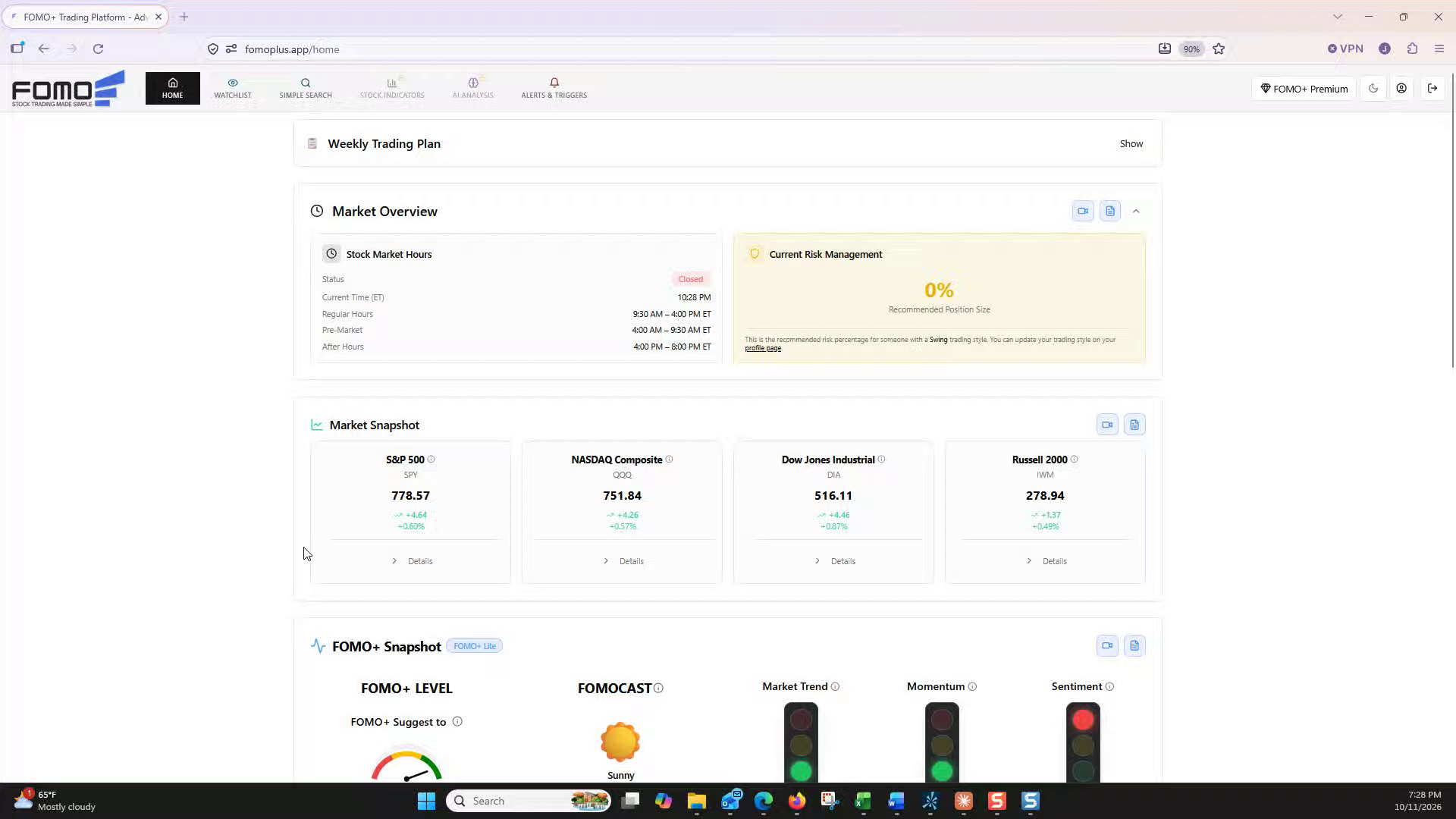
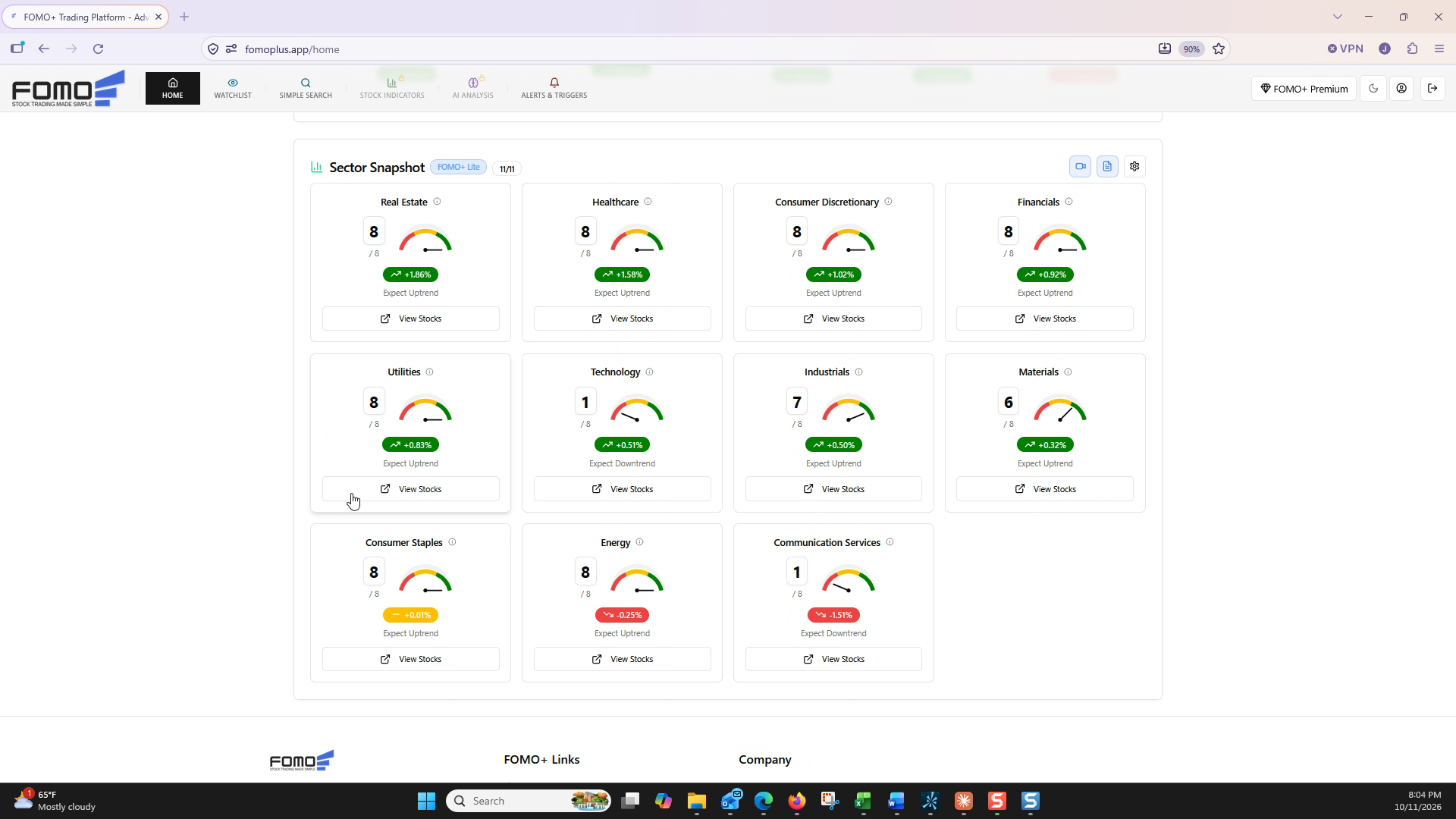
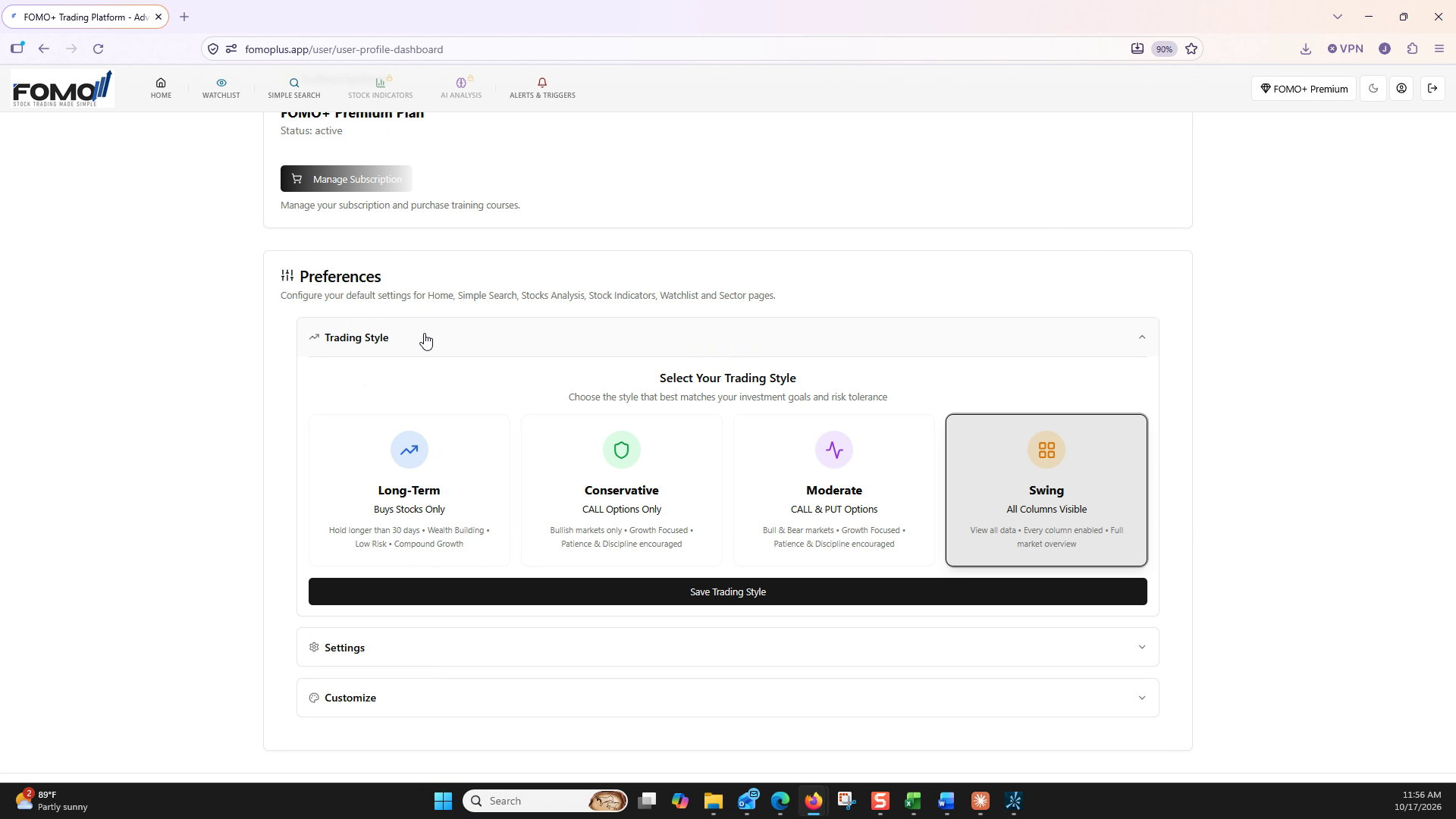
Configure your trading style in the FOMO+ profile settings: compare the Long-Term, Conservative, Moderate, and Swing Investor profiles, then set the one that matches how you trade.
Customize your headers and data fields to tailor your watchlist: configure uptrend, downtrend, and signal columns to match how you trade.
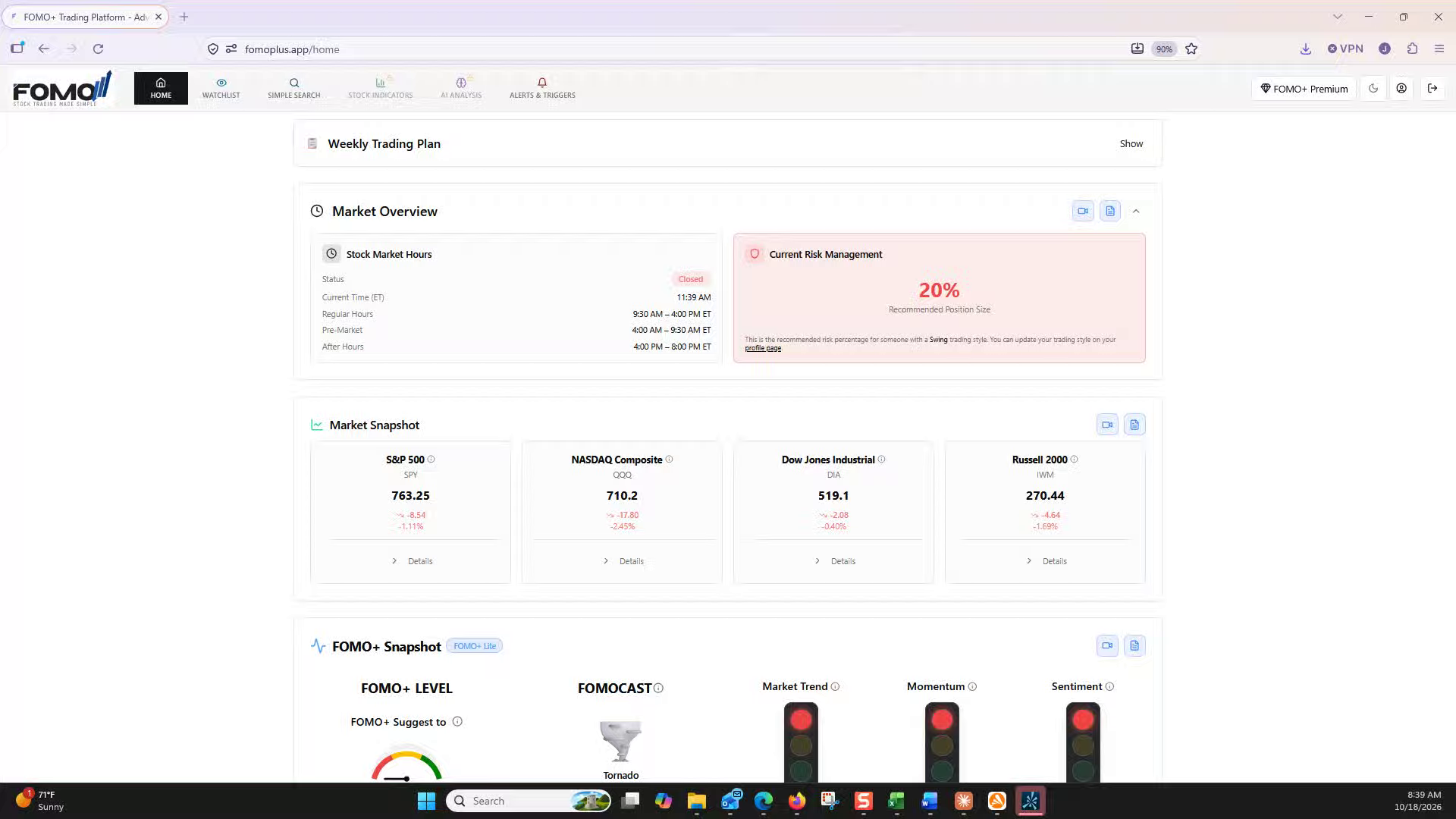
Use the Simple Search page to scan the market fast: pick a strategy category like Index, ETF Investor, or FOMO Stock Group, apply your parameters, and build a watchlist of the setups that fit your approach.
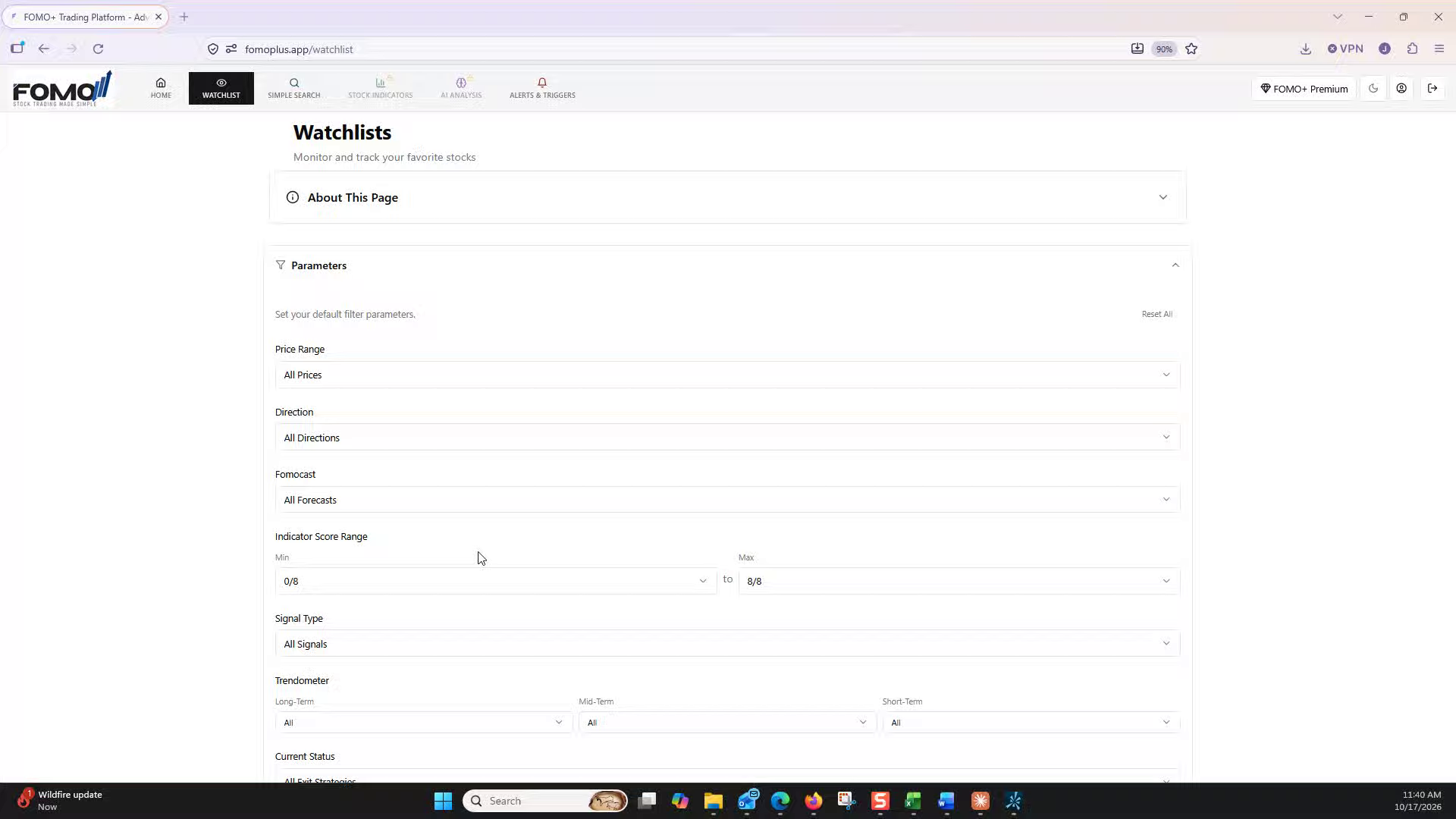
Use the Parameters panel to focus your stock list on setups that match your trading plan: price range, direction, FOMOcast, indicator score, signal type, Trendometer, and current status, all working together.